More customization on the Footprint charts
Dear ATAS Team, I used to use Sierra charts (as recommended by my mentor), this was before I switched to ATAS.
What I liked about Sierra was that it's extremely customizable however, it is also (too) complex with setting up charts and getting the right bid x ask data.
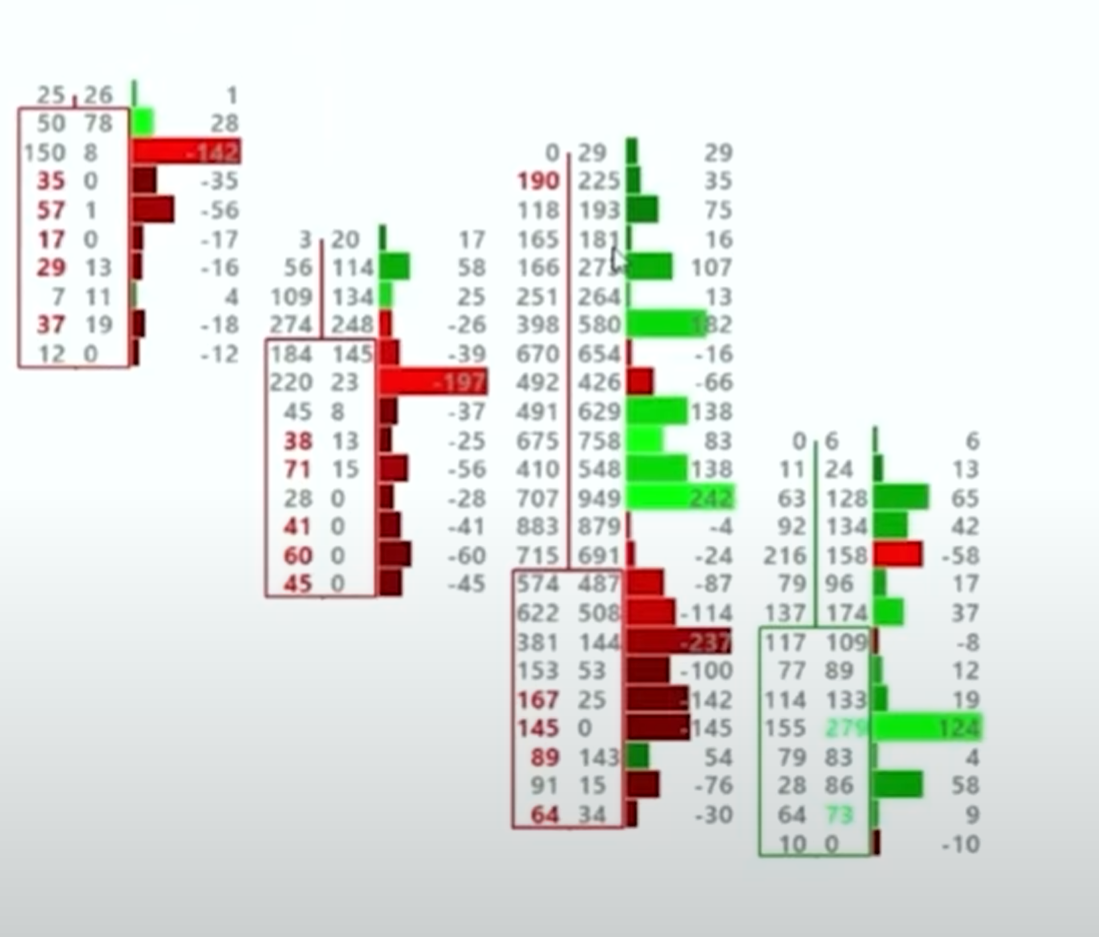
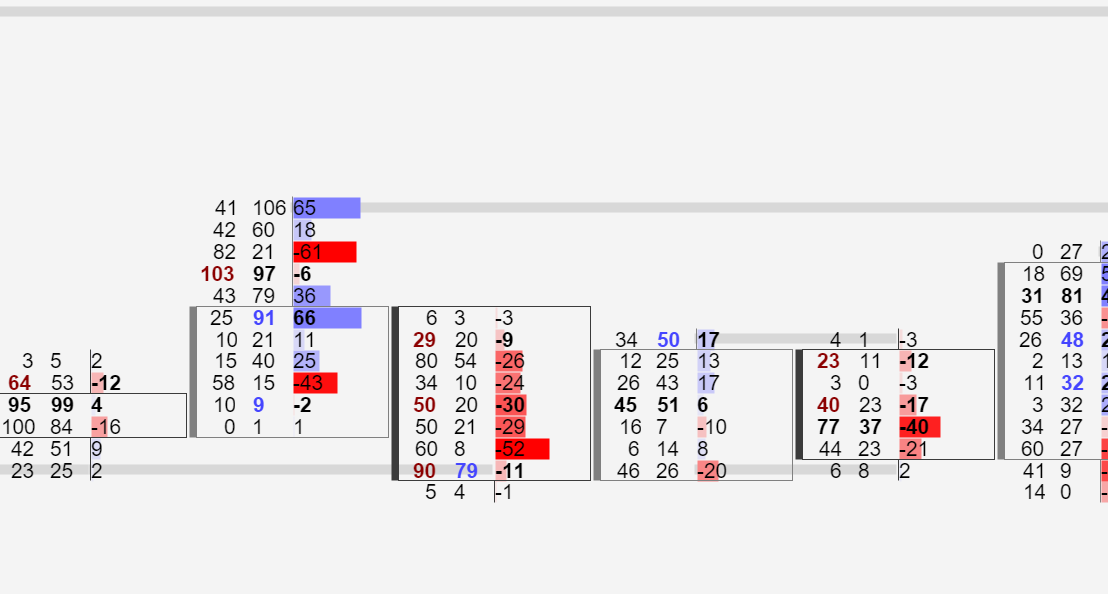
I used to have my charts like this on Sierra and what I like from Atas is that you guys also had the candlestick border option back then. However, I feel like there could be some more customization options as the candle border can't be applied to only the left side as I had it on Sierra. To give you some more insights I have some screenshots below:
What I'm missing is the feature to apply the border to the left side. In addition to this, I also feel that the color palette should be more customizable to show a better difference between high and low delta shades on the profile on the right. So darker red with higher values and darker blue with lower values. This is now done automatically but it would be nice to manually adjust the colors for each shade per level of delta/volume
Sierra
Atas
Log in to comment and vote
Comments1
Manuel
Jul 1
If we use a an “additional footprint” column, its mandatory to be able to use a different custom proportion setting, otherwise the second column is not usable
If i set the proportion for the main column (volume to 1000), the my delta column will always be empty, because delta is usually way lower
Please consider this