Drawing Panel, Ability to Hide / Delete the Sidebar
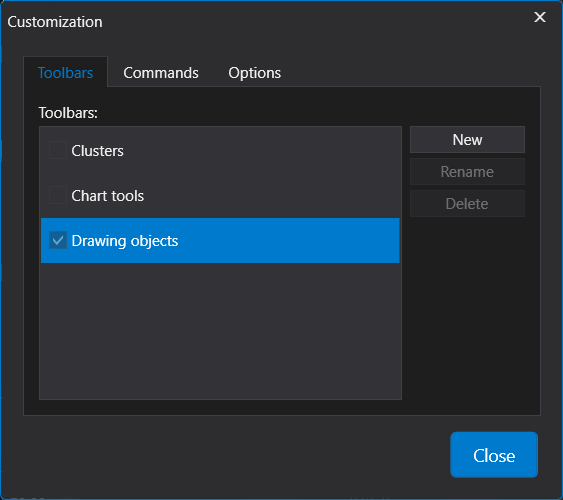
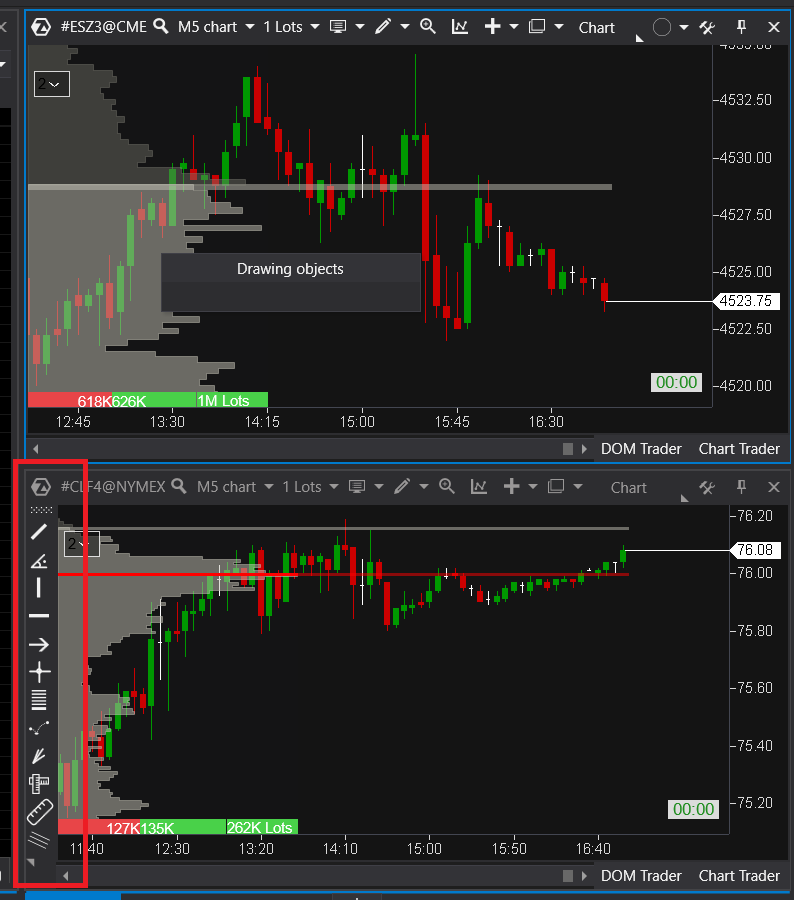
In the latest version, the sidebar with drawings appear to be permanently pinned to the side of any chart window. There is no option to delete nor hide the panel with drawings (it is possible to hide the cluster panel) but not the one with the drawings. I think this option is a must especially for traders using one screen. The sidebar panels can take a lot of real estate when using 2+ charts on one screen.
Same could apply to the "DOM Trader" and "Chart Trader" buttons on the right bottom. These two buttons are also permanently melted into the chart window which adds just another brick of shaded area to the whole chart.
I understand these are very useful functions, however when a trader is using only one screen due to travelling etc. every little small space counts. I think it should be possible at least to hide these panels / buttons.
Log in to comment and vote
Comments2
Veri
Nov 20, 2023
Hi, if you right click on the chart the option "Show panels" will hide the "DOM trader" and "Chart trader" panel at the bottom of the chart.
If you go to Drawing objects > Drawing objects toolbar will hide the drawing objects toolbar. You might have to do this 2 times before it actually disappears. I hope this helps.
What does need to be fixed is the "Customization" window in your first screenshot, it indeed does not allow you to delete any (added) toolbars. If you add a new toolbar you can't delete it again, it would be nice if this could be fixed.
Gregor
Nov 20, 2023
Thank you for this. I have spent a long time going around ATAS but some things don't stick. Appreciated